PaperCinch
Private AI organizes your documents on Mac.
100% local, no cloud, no account. Your letters, invoices, and contracts — finally findable.
Download on the Mac App Store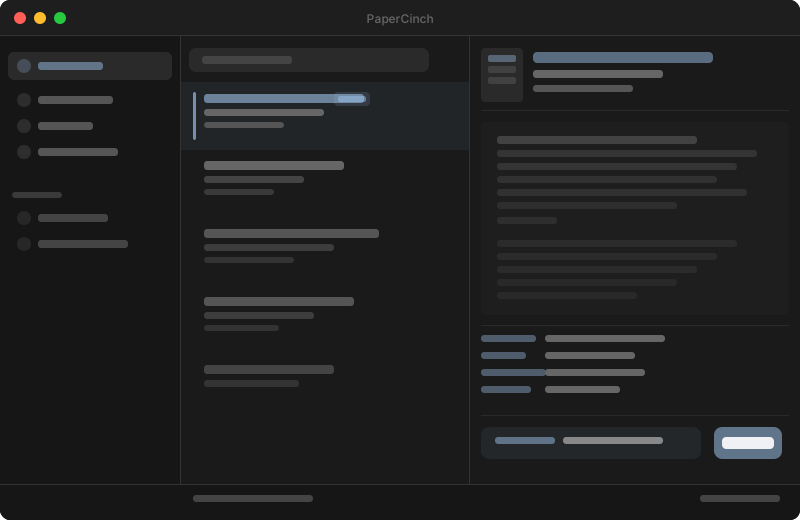
Sound familiar?
IMG_2347.pdf — and then what?
Scans arrive with meaningless filenames. Finding them means digging.
Deadlines hiding in letters.
Notices, cancellation windows, tax deadlines — buried in documents nobody opens.
Scans not searchable.
Documents scanned, but still impossible to find. OCR stays manual work.
Cloud? No thanks.
Uploading sensitive documents to someone else's servers — not a good feeling, and not necessary.
Here's how it works
-
Import document — scan, PDF, or image.
-
Local AI analyzes content, type, and key data.
-
Automatically filed, searchable, always findable.
Finds what you've forgotten.
Full-text search across all filed documents. No filename guessing — just describe what you're looking for.
AI suggests — you decide.
PaperCinch proposes type, date, and folder. You have the final say. Fully offline.
The right plan for you
Basic
Free- Includes:
- Import & file documents
- Manual folder structure
- Full-text search
AI Filenames
Mac App Store- Includes:
- Everything in Basic
- AI-generated filenames
- OCR for paper documents
AI Productivity
Mac App Store- Includes:
- Everything in AI Filenames
- Auto categorization
- Key data extraction
AI Professional
Mac App Store- Includes:
- Everything in AI Productivity
- Advanced search filters
- Priority support
* All plans support Apple's Family Sharing.
Frequently Asked Questions
- PaperCinch runs on all Macs with Apple Silicon (M1 and later) on macOS 15 or newer. Intel Macs are not supported.
- No. The AI runs entirely on your Mac. No document ever leaves your device — not for analysis, not for filing.
- No. No registration, no login. PaperCinch works without an internet connection.
- On an M4 base Mac mini, around 1–2 minutes per document. Faster on newer chips.
- Current pricing is available directly in the Mac App Store. There is a free tier with optional in-app purchases.
- Yes. All license tiers support Apple's Family Sharing.
- Your original files always stay untouched in the folder you chose. No lock-in.
- Via the contact form on this site or directly at hello@ForwardDelete.com.
- Letters, invoices, official mail, contracts, receipts, and more — the list grows with updates.
- Purchases through the Mac App Store are handled through Apple's refund process.
Ready to get started?
Start free — PaperCinch on the Mac App Store.